Social media moderation in 2026: The tools and tactics protecting your brand

Written by Mary Keutelian
Published on June 12, 2026
Reading time 9 minutes

Table of Contents
Every brand has a comment section, but not every brand has a plan for it. A single spam comment can spiral into thousands of bot replies, destroying brand reputation and driving away real customers. With billions of daily social media comments worldwide, manual moderation is impossible, expensive and always too slow to prevent damage.
Without the right moderation tools, your team spends more time doing damage control than protecting the community you’ve built. Social media moderation has become an operational discipline, not just community management. It’s about managing brand interactions at scale, across different ecosystems, in real time.
This guide breaks down every type of moderation, the features that matter most and the 10 best tools available so you can build a strategy that keeps your brand safe and your audience engaged.
What are social media moderation tools?
Social media moderation tools are platforms that combine AI and human review to monitor, filter and manage user-generated content across social media platforms. They detect spam, flag harmful content and route messages to the right team members—keeping your brand’s online spaces safe and on-brand.
Most tools handle these core functions:
- Content filtering: Automatically hide or remove posts that violate your community guidelines.
- Spam detection: Block bots and repetitive junk before your audience sees it.
- Sentiment analysis: Classify incoming messages as positive, negative or neutral.
- Moderation queue: Hold flagged content for human review before it goes live.
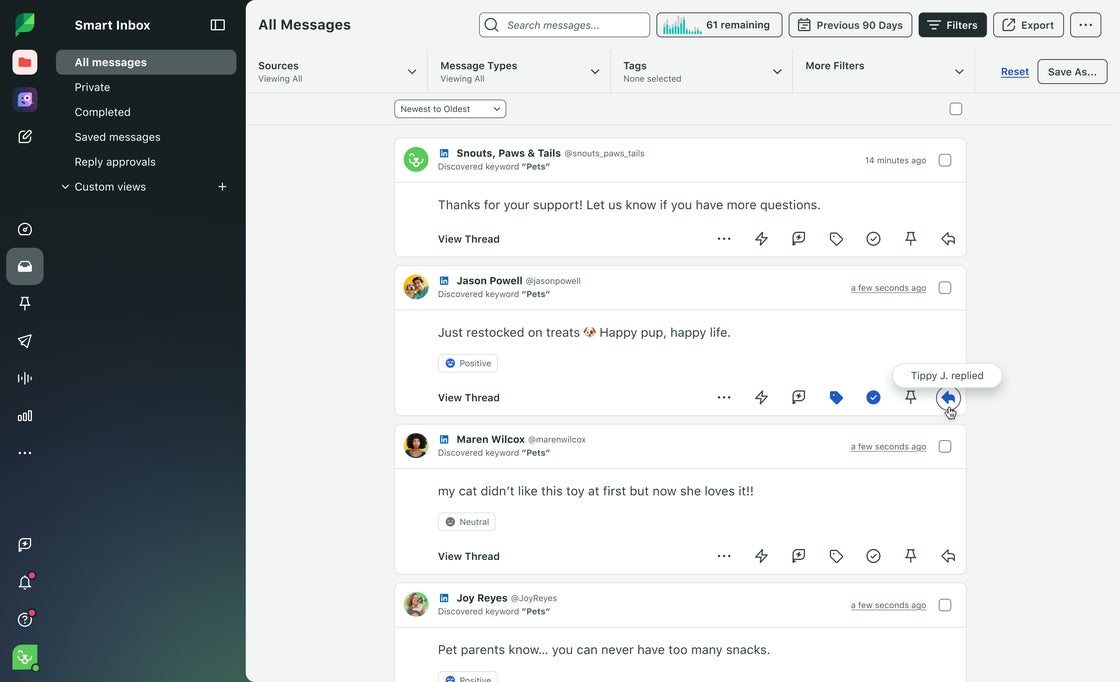
Sprout Social’s Smart Inbox centralizes this across every platform you manage—eliminating tab-switching burnout so your team works from one screen, not five.
Why social media moderation matters in 2026
A hands-off approach to your comment section is a massive business risk. Effective moderation goes far beyond deleting spam—it’s a core operational discipline. It shapes your customer care experience, protects your reputation and acts as an early warning system for PR crises.
While tightening global regulations make compliance non-negotiable, the true cost of an unmanaged inbox isn’t just legal exposure. It’s losing the audience and trust you’ve worked so hard to build.
Brand safety and trust
Unmoderated comment sections signal to consumers that your brand doesn’t care. Spam, hate speech and misinformation left unchecked erode trust fast. Sprout Social’s Listening feature tracks sentiment in real time, so your team spots reputation risks before they escalate.
Customer care and responsiveness
Moderation and customer care go hand in hand. When you route urgent complaints ahead of general comments, your response times drop and your customers notice. Priority routing means the right message reaches the right agent—fast.
Legal and regulatory compliance
Industry regulations require brands to document how they handle user data and content. Audit trails prove your team followed the right process. Without them, you’re exposed.
Crisis prevention and escalation control
Spike detection alerts your team the moment comment volume or negative sentiment surges. That early warning gives you time to activate escalation protocols before a complaint becomes a crisis.
Types of social media moderation
There’s no one-size-fits-all approach. Smart brands combine these methods based on their industry, audience and risk tolerance.
- Pre-moderation: Content goes into a publication queue and waits for approval before it appears publicly. This approach works best for high-risk industries like healthcare or finance where a single inappropriate post carries serious consequences.
- Post-moderation: Content publishes immediately and enters a review queue afterward. It’s the most common approach because it keeps conversations moving while still catching violations.
- Reactive moderation: Relies on your audience to flag inappropriate content through community flagging. Your team then reviews those user-generated flags and takes action. It works well for large communities where volume makes proactive review impractical.
- Distributed moderation: Trusted community members take on peer moderation duties. Brands assign these roles to long-time contributors who understand the community guidelines and enforce them consistently.
- Automated moderation: Uses machine learning and natural language processing to evaluate content instantly. The system assigns a confidence score to each piece of content, and anything below your set threshold gets hidden or removed automatically—no human required.
- Hybrid moderation: Combines AI pre-screening with human review. AI handles the obvious violations at scale, while humans handle the nuanced calls that require context. It’s the most effective approach for brands managing high message volumes.
Content that require moderation
Every format your audience uses to engage with your brand needs a moderation strategy.
Public comments and replies
Comment threads on Facebook, Instagram and LinkedIn move fast. Nested replies make it easy to miss violations buried in a conversation. TikTok ad comments require special attention because promoted posts attract significantly more spam than organic content.
Direct messages and inboxes
DMs are private, but they still require monitoring. Inbox management means assigning messages to the right team member and tracking resolution. Unmanaged DMs create gaps in your customer care record.
Mentions and tags
People talk about your brand without tagging your official account. Brand keyword monitoring captures @mentions, hashtag conversations and common misspellings so nothing slips through.
Reviews and ratings
Review management covers platforms beyond social media—Facebook, Yelp, Google Business Profile, Glassdoor and TripAdvisor all require active monitoring. A prompt, professional review response shows prospects you take feedback seriously.
User-generated content and ads
Campaign moderation means tracking branded hashtags and contest submissions. Before you reshare any user content, confirm you have usage permissions. Approved response templates keep your replies consistent at scale.
Livestreams and real-time chat
Live moderation is the hardest format to manage because stream chat moves in real time. You need keyword blocklists configured before the broadcast starts—there’s no time to react manually once you’re live.
Social media moderation tools features that matter
Not all moderation platforms are built the same. These are the features that separate effective tools from basic ones:
- Real-time inbox and routing: A unified inbox pulls every message from every platform into one view. Assignment rules distribute messages to the right team member automatically.
- AI spam detection and sentiment: Spam filters eliminate junk before it clutters your queue. Sentiment scoring classifies each message so your team prioritizes the most urgent interactions first.
- Ad comment moderation and spam filters: Paid media moderation is a separate challenge, as advertising campaigns are frequent targets for inauthentic engagement. Your moderation tool needs dedicated ad comment support to protect your advertising investment.
- Integrations, APIs and compliance: Your moderation tool must connect to your existing tech stack. API access enables data portability between your social platforms, CRM and reporting tools. Compliance tools generate the documentation your legal team needs.
- Analytics, audits and reporting: Moderation metrics tell you how your team is performing. Audit logs record every action taken on every message. Custom performance reporting lets you track response times, resolution rates and policy violation trends over time.
10 best social media moderation tools for 2026
Basic tools rely on static keyword rules. Advanced tools use AI to understand context, nuance and intent. Here are the top 10 options available today.
1. Sprout Social
Best for: Social teams of all sizes that need enterprise-grade moderation, AI-powered engagement and deep analytics in one platform.
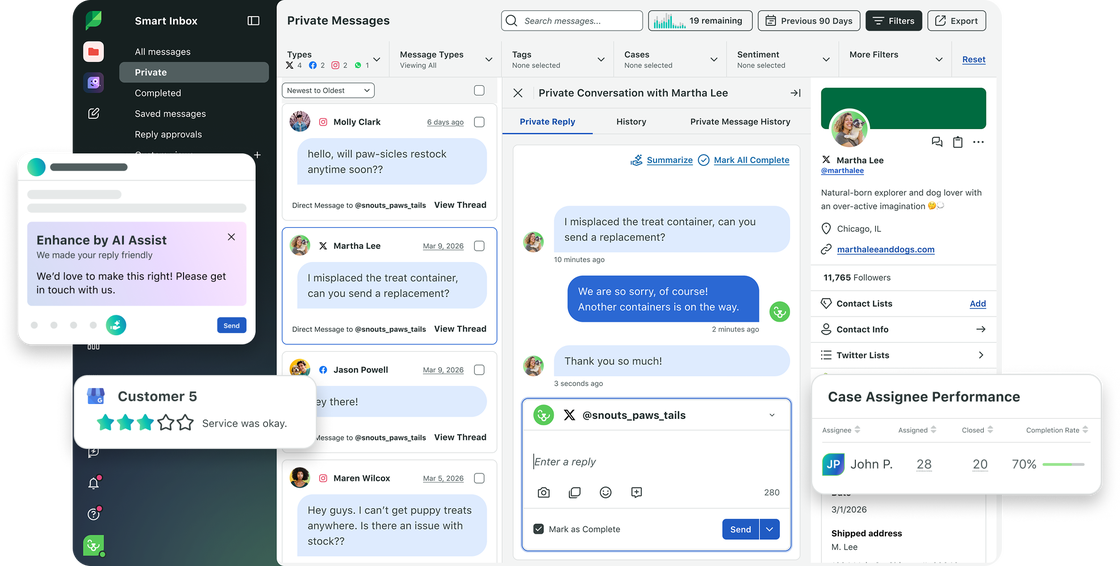
Sprout Social‘s Smart Inbox brings together comments, mentions and messages across networks, making it easier for large teams to manage conversations at scale. With automation rules, keyword filters and AI assistance, Sprout Social helps brands maintain clean comment sections while routing essential interactions to the right team members. Its standout moderation features include:
- Smart Inbox: Every comment, DM and mention lands in one view, saving conversation history and preventing tab-switching burnout.
- AI Assist: The tool drafts on-brand replies, surfaces suggested responses and keeps your team’s tone consistent—without removing the human judgment that matters most.
- Review management: Monitor and respond to reviews from major ratings platforms directly within the tool.
- Ad comment moderation: Manage Facebook and Instagram ad comments directly in-platform, hiding spam often invisible from native apps.
- Team collaboration: Benefit from role-based access controls, task assignments and internal notes.
- Bot Builder: Create chatbots to automate customer support 24/7 across multiple platforms.
Start your free 30-day trial today
2. Hootsuite
Best for: Large teams that want moderation bundled with content scheduling and analytics.

Built for professionals and large teams, Hootsuite integrates content scheduling, performance analytics and comment moderation into one unified platform. While it offers automated filters and manual controls, it is designed for organic social management first—ad comment moderation is a secondary use case rather than a core design priority.
3. NapoleonCat
Best for: Small teams and agencies that need affordable, automated comment moderation across multiple platforms.
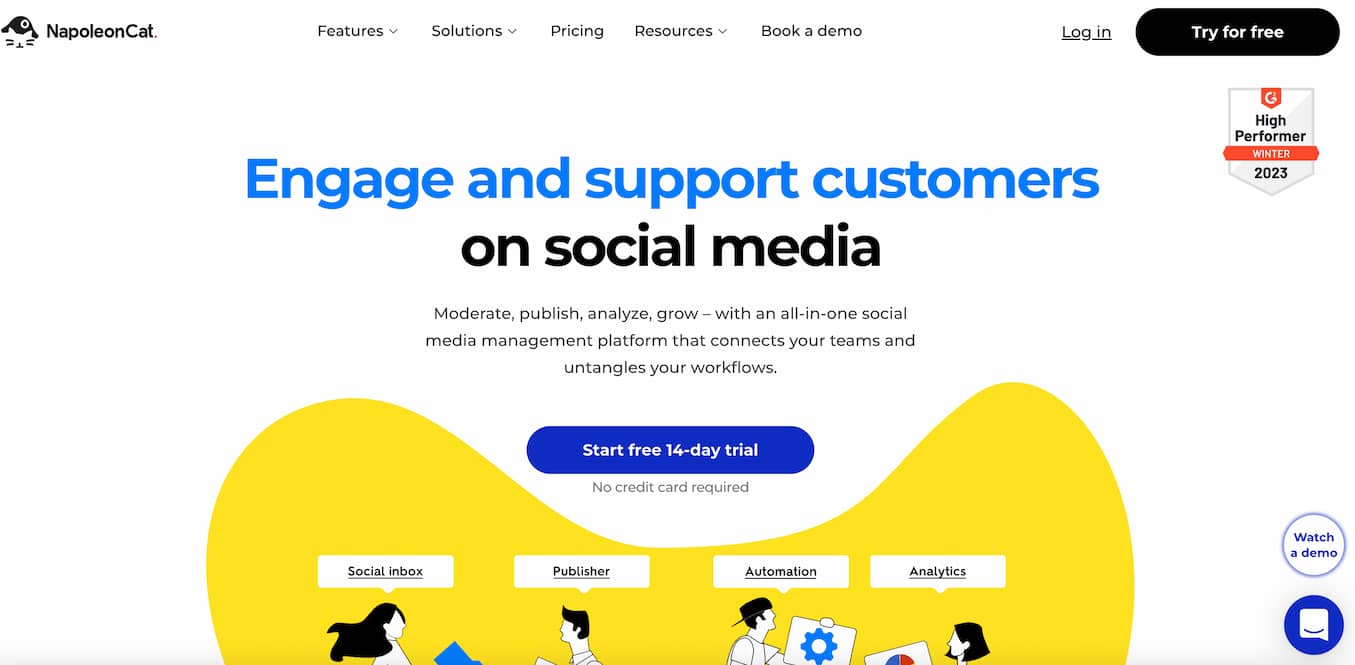
NapoleonCat offers true AI-powered auto-moderation that automatically removes spam, hate speech and unwanted comments—including ads—without manual filtering. Its Social Inbox includes collaboration and delegation tools, plus a built-in feature to translate and reply to messages in over 100 languages via Google Translate.
4. Agorapulse
Best for: Teams that want a clean, unified inbox with solid publishing and reporting built in.

Agorapulse centralizes comments, mentions and messages across multiple channels. Agorapulse’s inbox is commended for its clarity and ease of use. Teams can assign conversations, leave internal notes and track responses. It’s a strong middle-ground option for growing teams that need structure without the complexity of enterprise-tier platforms.
5. Statusbrew
Best for: Enterprise and mid-market brands that need advanced governance, moderation and compliance at scale.
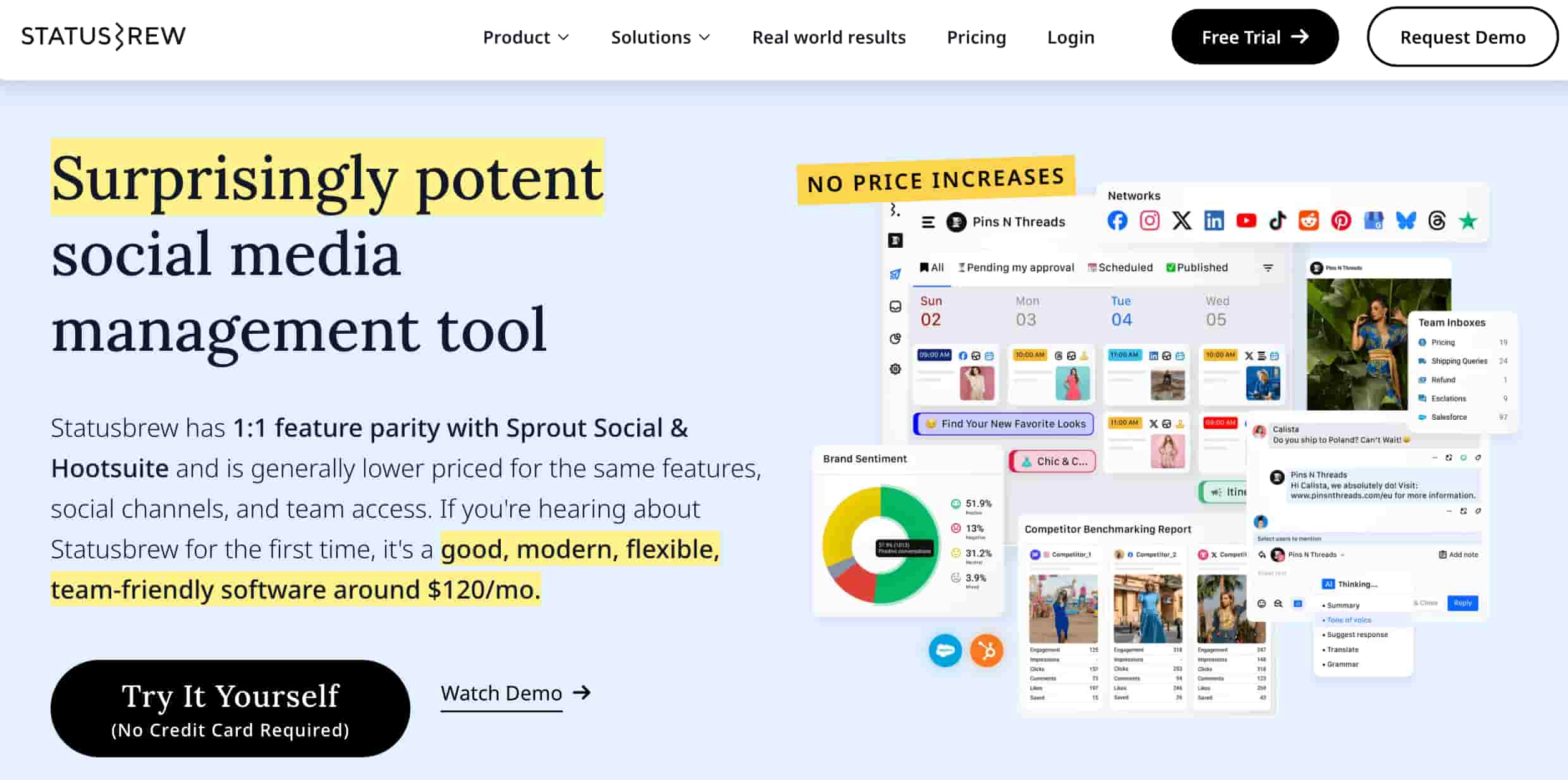
Statusbrew specializes in managing high volumes of customer interactions, particularly for ad comments. Inbox automation uses rule-based routing to assign messages, and ad comment moderation automatically hides or deletes comments on Facebook and Instagram ads at scale.
6. Sprinklr
Best for: Large enterprises managing moderation across 30+ digital channels with strict compliance requirements.
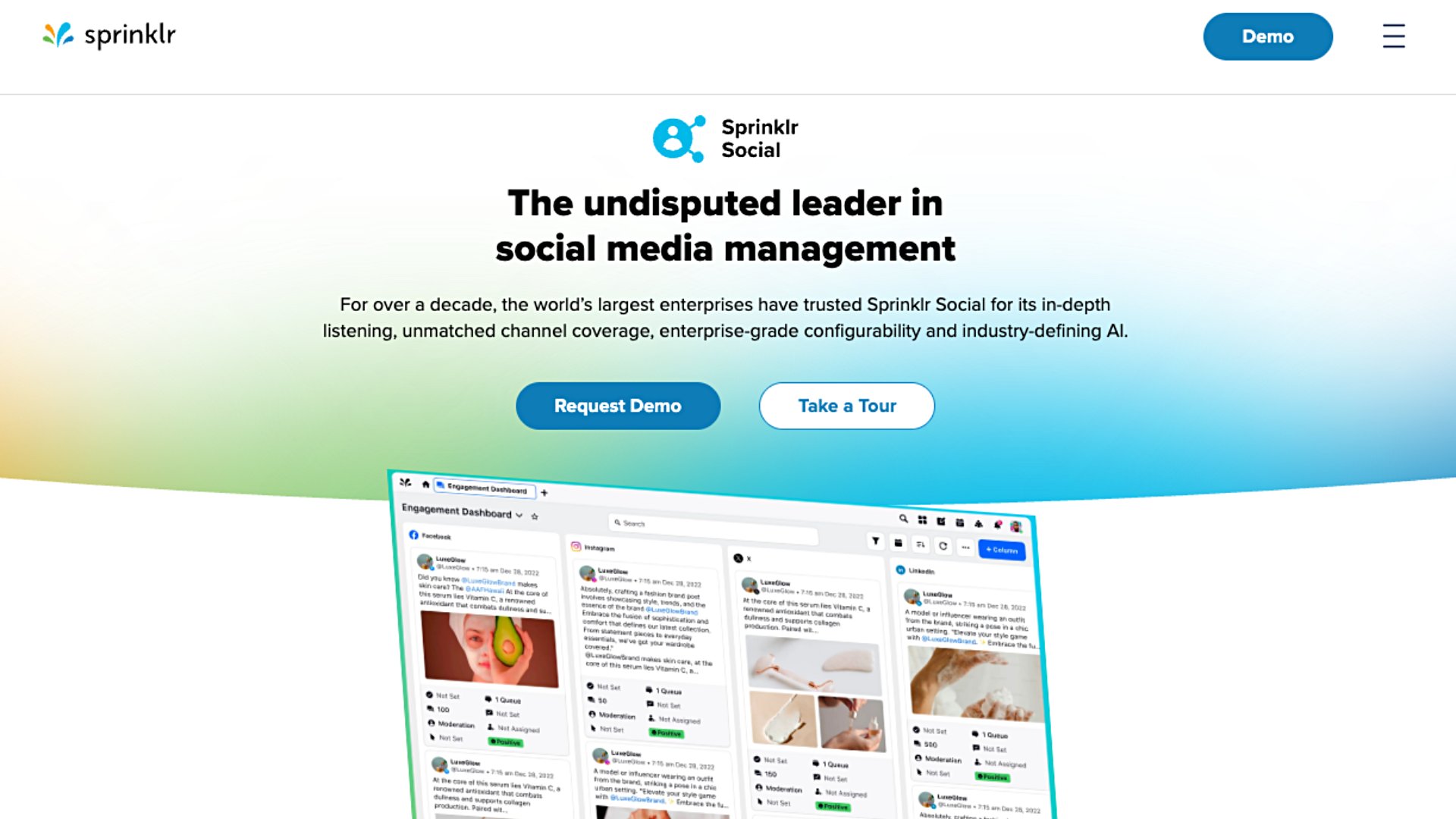
Sprinklr AI handles real-time classification, content filtering, sentiment analysis and compliance checks across languages and media types. It flags suspect content and routes it through escalation queues, but its complexity, setup and pricing reflect its enterprise-scale design.
7. Planable
Best for: Content teams that want moderation built into the same platform where content is created and approved.

Inside Planable, you can organize conversations by status, reply, react or delete unwanted comments, and group comments by sentiment. Teams have one place to create, manage and protect their social media presence, utilizing AI-powered replies to generate context-aware responses quickly.
8. CommentGuard
Best for: Brands focused on protecting Facebook and Instagram comment sections on both organic posts and paid ads.
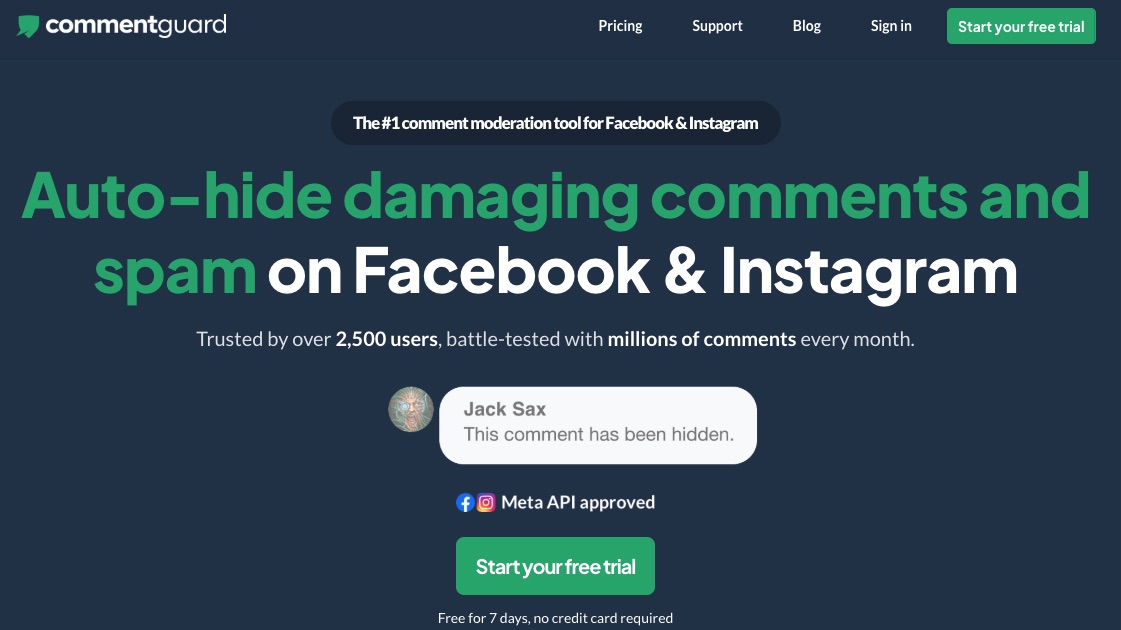
CommentGuard uses ML filters to identify spam and troll accounts, allowing you to automatically ban them. Bulk actions let you hide, unhide, delete and like comments in bulk, while auto-reply features handle repetitive queries based on specific keywords.
9. Respondology
Best for: Brands that want a three-layer moderation approach combining custom rules, AI and human review.
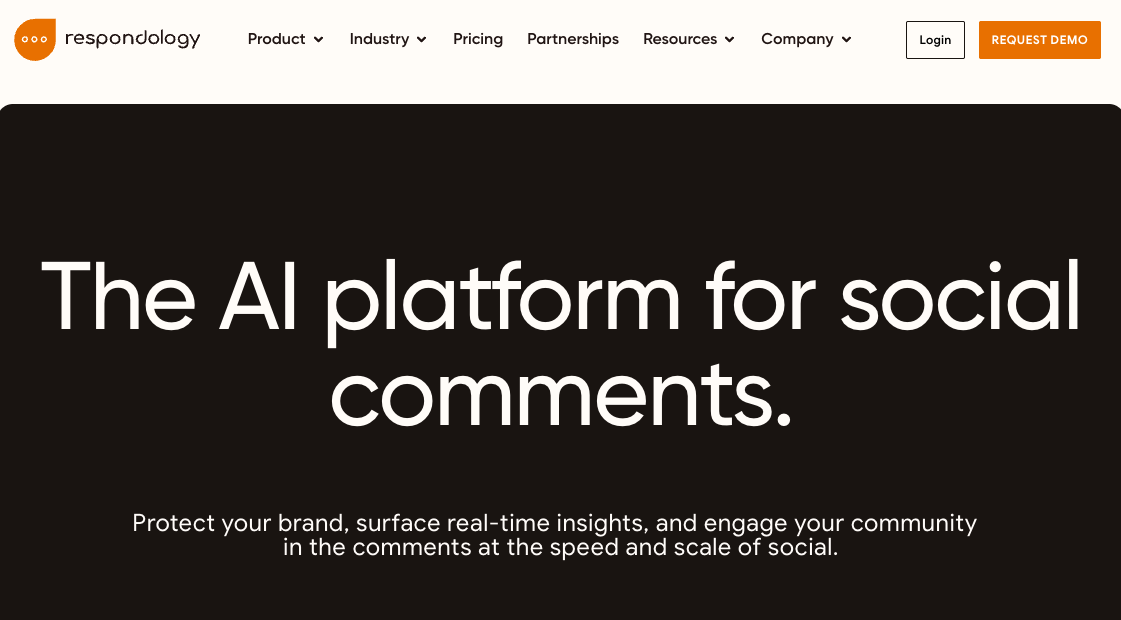
Respondology utilizes custom guidelines, generative AI and final human review.
Automated real-time monitoring instantly hides problematic comments across platforms like Facebook, Instagram, TikTok, YouTube and LinkedIn.
10. Brand Bastion
Best for: Brands that treat their comment section as a revenue and community channel.

Combining AI detection with human review, Brand Bastion’s Agent+ feature generates pre-drafted, on-brand replies across paid, organic and private messages for quick team approval.
Best practices for social media moderation
Technology handles the volume, but strategy determines the outcome.
Set clear moderation policies
Your community guidelines are the foundation of every moderation decision. Your policies should cover:
- Prohibited content: Define what counts as hate speech, spam and misinformation.
- Response protocols: Set timeframes for each content type and map your escalation paths.
- Platform-specific rules: Ensure your policies reflect each social network’s unique terms of service.
- Team responsibilities: Assign ownership so every content type has a clear handler.
Automate routine workflows
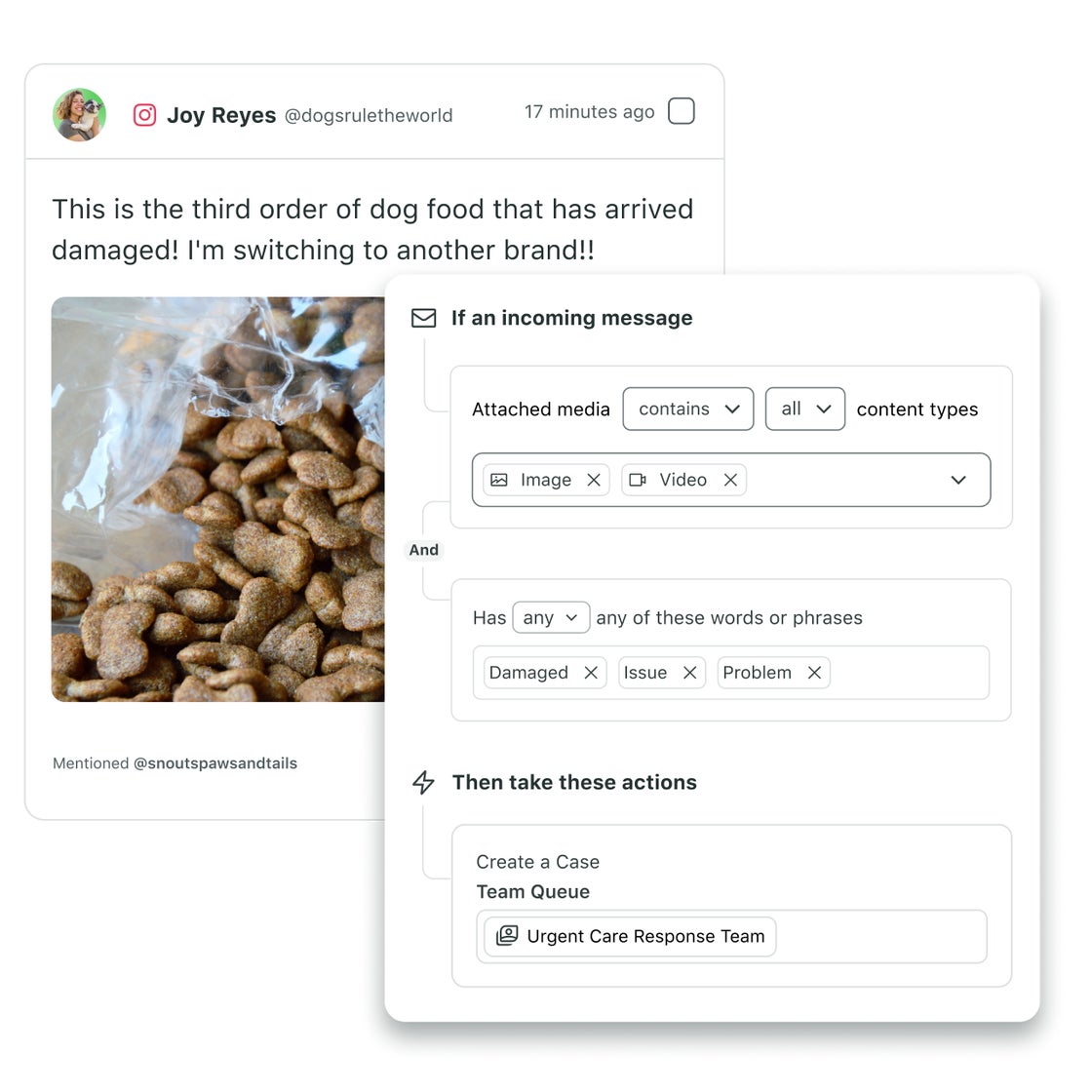
Automation handles the repetitive work so your team focuses on the interactions that need human judgment. Set keyword blocklists for spam filtering, build allowlists for approved terms, store response templates for common scenarios and use routing rules to auto-assign messages.
Route and escalate intelligently
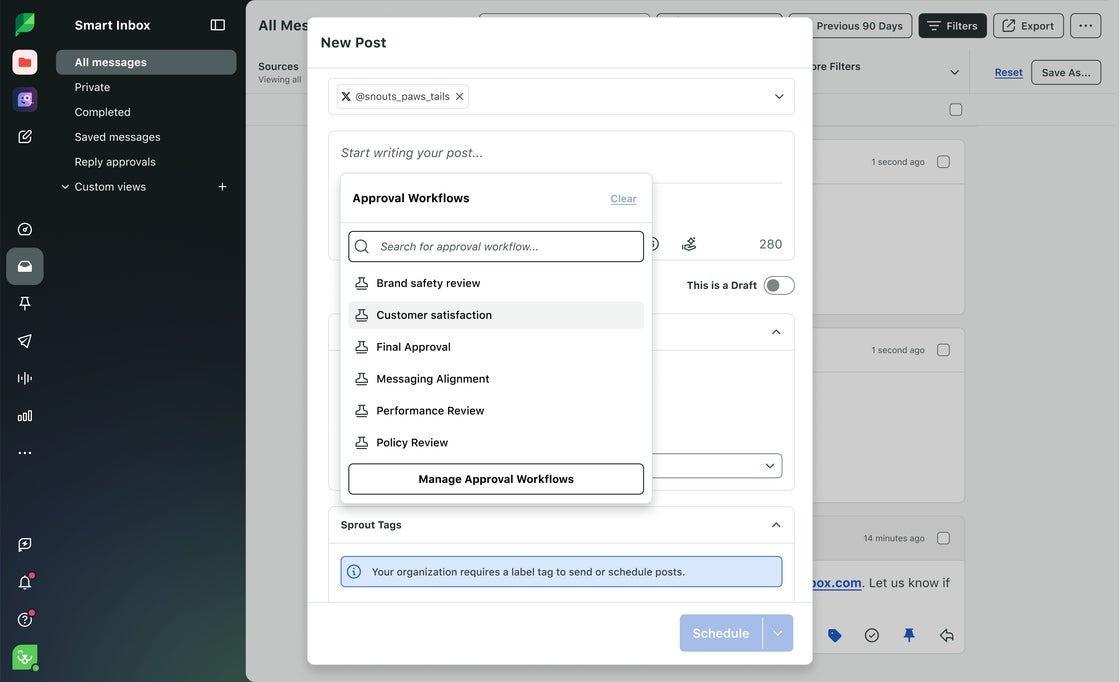
Smart routing means the right message reaches the right person without manual sorting. Separate crisis-level content from routine moderation, match complex legal or PR issues to specialists and define exactly what requires supervisor review.
Support and safeguard moderators
Reviewing harmful content takes a toll; burnout leads to errors and turnover. Provide content warnings, rotate schedules to limit exposure to difficult content, provide mental health resources and build mandatory rest into your moderation workflow.
Measure outcomes and improve
Review your moderation metrics monthly and adjust your strategy. Track response times, measure resolution rates, monitor sentiment trends and watch for policy violation patterns that signal new threats.
Transform your social media moderation with Sprout Social
Effective moderation protects your brand, supports your customers and keeps your community healthy. The right tools make the difference between a team that’s constantly reacting and one that’s always ahead.
Sprout Social centralizes every interaction across networks so your team can manage workflows seamlessly from a single unified inbox. Sprout Social’s AI Assist cuts response time without sacrificing quality, and built-in ad comment moderation ensures your paid investment stays protected. Because Sprout Social connects moderation to analytics, you can prove the business impact of faster response times and cleaner comment sections.
Whether you’re managing five profiles or 50, Sprout Social scales with you—without requiring a separate tool for every use case. Start your free 30-day trial.
FAQs about social media moderation tools
What is the difference between automated and hybrid moderation?
Automated moderation uses AI to handle content decisions without human input, while hybrid moderation combines AI pre-screening with human review for content that requires context or judgment.
What should a social media moderation policy include?
A moderation policy should define prohibited content, set response timeframes, outline escalation paths and assign team responsibilities for each content type and platform.
How do you moderate live video comments in real time?
You configure keyword blocklists and automated filters before the broadcast starts, since live stream chat moves too fast for manual review during the event.
What is a moderation queue?
A moderation queue is a holding area where flagged content waits for human review before it’s approved, removed or escalated—used in both pre- and post-moderation workflows.
39 free social media strategy templates that will elevate your workflows
Published on August 20, 2026 Reading time 15 minutes









Share