Q3 2026 Breaking Ground Recap: What’s new this quarter

Written by Josh Bean
Published on August 26, 2026
Reading time 6 minutes

Every quarter, Sprout hosts Breaking Ground, a virtual innovation event on what’s new in our product and industry from real social media experts. For Q3, we dove deep into Trellis, our agentic AI, including practical workflows teams are already using to cut down on manual work and turn social data into meaningful business results.
Here are the highlights from the 30-minute session. You’ll find the full replay at the bottom if you’d rather watch the team walk through it.
Put Trellis on the time-consuming stuff
You didn’t get into social to spend your days pulling data, cleaning reports and packaging up findings for other people to act on.
That’s where Trellis can help.
Trellis is available on every account and every plan of the core Sprout product, with no upgrade needed. During Breaking Ground, we shared five workflows that can help take some of the manual work off your plate, along with the prompts you can use to get started.
Here’s one of the most popular examples from the session. You can also visit Sprout Academy for more ways to put Trellis to work.
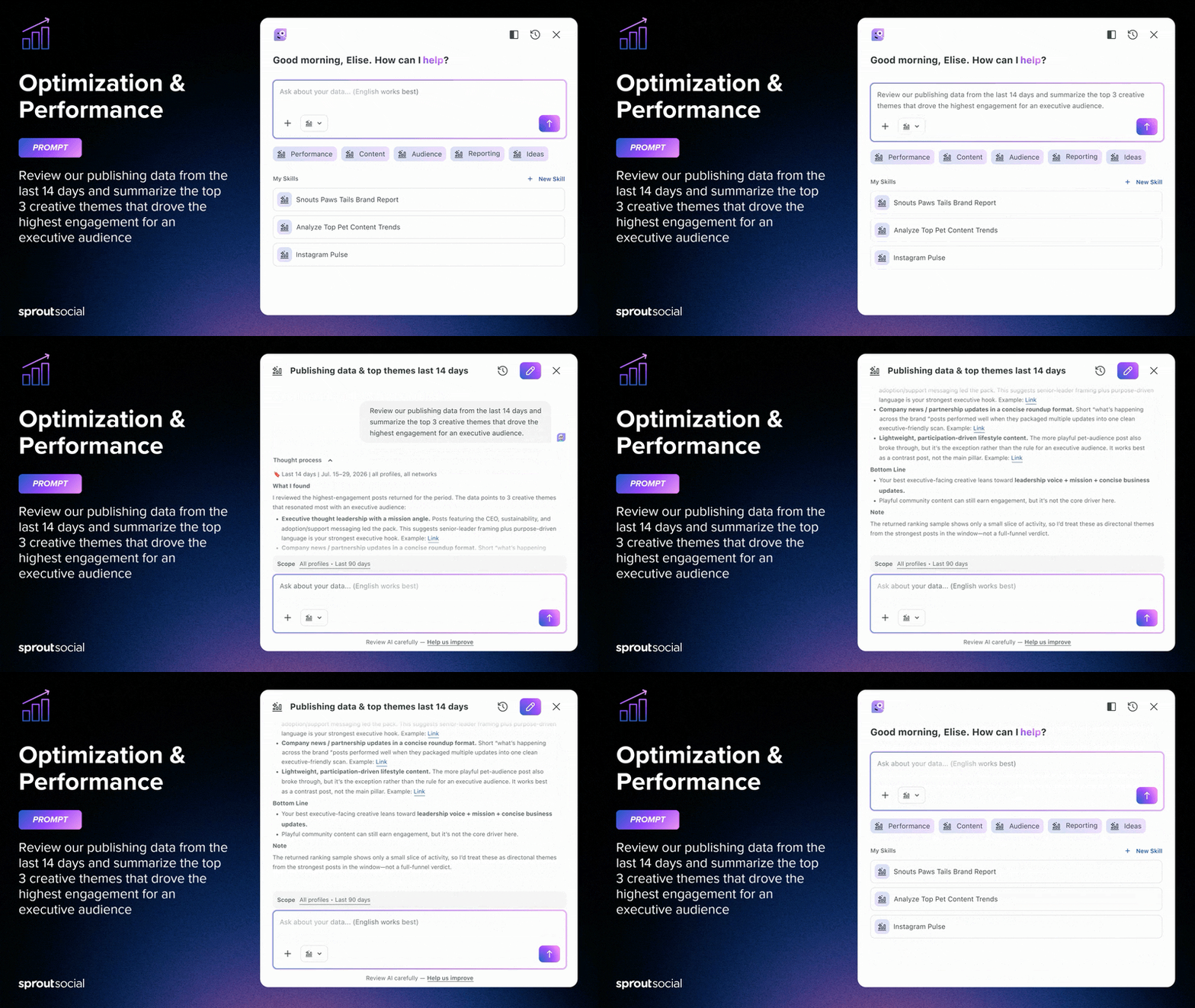
Turn performance data into an executive summary
You know the question: How did the campaign perform?
Giving a useful answer can mean moving between numerous dashboards and spreadsheets. The summary may take only a few minutes to read, but it took you hours to assemble.
Instead, try asking Trellis:
Trellis Prompt:
Back comes three creative drivers with the posts that prove each one, written with an executive audience in mind. You bring the context and judgement; Trellis gives you a better starting point.
More ways to make the work flow
Of course, AI can only save you time when it’s connected to the work you’re already doing. This quarter’s updates extend well beyond Trellis. Here’s what else shipped across the platform.
Bring the network to you
The more networks and content types your team manages, the easier it is for conversations and data to become scattered. These updates bring more of that activity into your existing workflows.
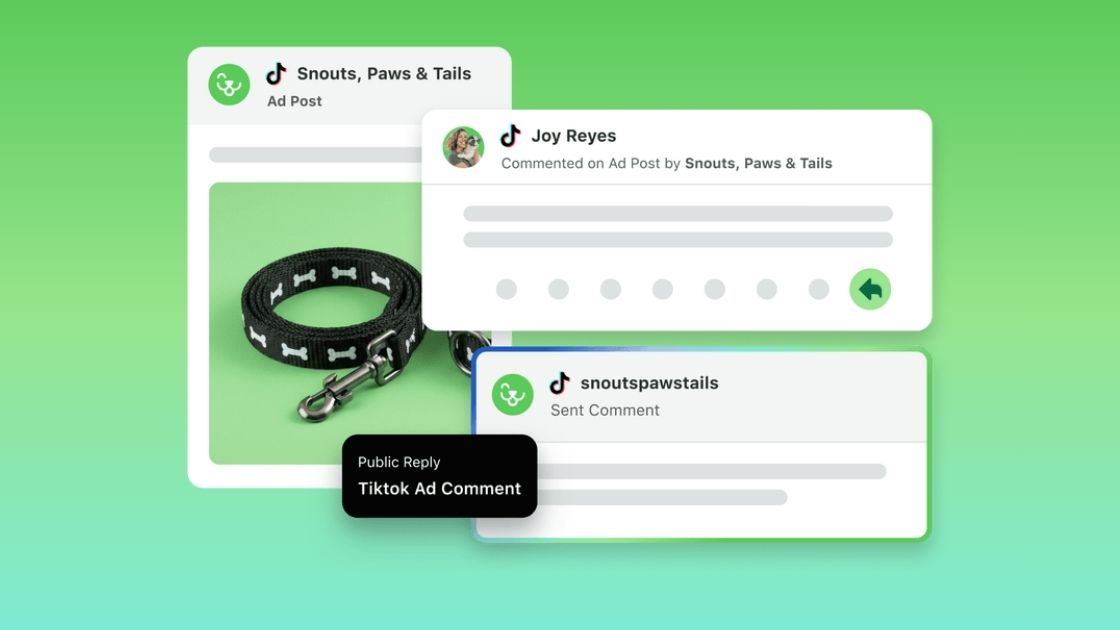
TikTok ad comments: Promoted posts attract far more comments than organic content. And those conversations still need your team’s attention. Connect a TikTok ad account and those comments arrive in your Engagement inbox alongside organic messages, so your team works both from the same place.
TikTok paid performance reporting: Reporting on a paid campaign has meant pulling spend out of one system and performance out of another, then hoping the two line up. Reach, conversions, CPA, and spend now sit next to your organic mix, so you can see what a campaign returned instead of only what it cost.
Snapchat publishing: Snapchat reports more than 971 million monthly active users globally, and reaching them now takes the same workflow as every other network you run. Connect a Public Profile and you compose and tailor Spotlights and Stories in the same window as everything else.
Spend less time moving between Sprout and Instagram
Instagram picked up several updates in August, each designed to keep more of the everyday work inside your existing Sprout workflow.
Trending audio: On a platform built for video discovery, the track is part of how a Reel gets found, not just background noise. You can now browse Instagram’s Commercial Music library and search Original Audio from the Compose window, preview a track, set the volume, and attach it to your Reel without leaving Sprout.
Liking: Not every comment needs a written response. Sometimes a like is enough, but giving one used to mean opening Instagram and navigating away from Sprout. Now you can like comments on your posts, direct messages and story mentions right from the Engagement inbox.
You’ll need to reconnect your Instagram Business or Creator profile to grant the necessary permission. Liking isn’t available for private accounts or posts owned by someone else where you’re @ mentioned.
Collab posts: Planning a Collab post with more than three partners used to require some decisions about who made the cut. Now you can tag up to five collaborator profiles, matching Instagram’s native limit.
Get the signal sooner
Watching an emerging story gain momentum is one thing. Catching it early enough to understand what it could mean for your brand is far more useful. These updates help teams find relevant conversations sooner.
Bluesky in NewsWhip: Bluesky has grown into a meaningful source of early conversation among journalists, academics, and industry experts. NewsWhip, Sprout’s predictive media intelligence product, now folds Bluesky engagement into article-level predictive scoring inside Spike, so rising stories surface sooner.
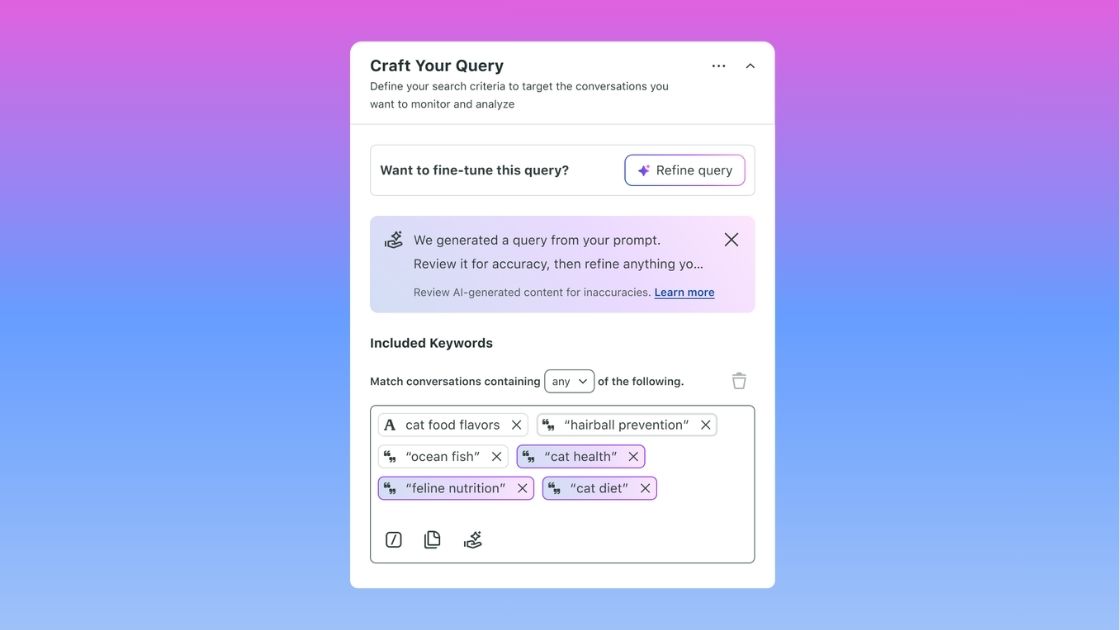
AI Query Builder: Setting up a complex Listening topic used to take a learning curve and a lot of trial and error, which is why plenty of topics never got built. In Sprout’s Social Listening, the AI Query Builder takes what you want to listen for in plain language and writes the structured query for you, so setup time goes into analysis instead.
Make influencer marketing easier, from vetting to payout
Creator partnerships come with plenty of behind-the-scenes work. This quarter’s Influencer Marketing updates address some of the places where campaigns can become especially labor-intensive.
Audio and Visual Brand Safety: A creator partnership puts your brand inside someone else’s content, which makes vetting that content one of the most important steps in the process, and one of the most time consuming. Brand Safety now analyzes the video, image, and audio itself against your own custom rules, rather than the caption alone, and flags what it finds with exact timestamps. Legal and brand teams get through review faster, on fewer false positives.
Instagram DMs and mentions: Some of your most promising creator relationships start with a DM or mention. Messages from creators in the Sprout Influencer Marketing database now appear in one shared list, along with AI-generated context about each creator’s niche and what they’re asking for. Your team can understand the opportunity and decide how to respond without beginning the research from scratch.
Lumanu integration: Paying creators is where a campaign stalls: separate invoices, a new vendor in every market, and tax compliance in each one. A native Lumanu integration tracks spend, monitors wallet balances, and triggers payouts inside your campaign workflow, with Lumanu acting as a single master vendor handling global tax compliance.
Audio and Visual Brand Safety and Instagram creator DMs are available on the new Influencer Marketing plan, which includes unlimited user seats.
Make the reporting feel less like an errand
Getting to the story behind the numbers requires more cleanup, organizing and spreadsheet work than you’d like. This quarter’s reporting updates remove a few of those extra steps.
Tags: A tag is a small thing that carries a lot of weight, and the teams who lean on them tell stronger stories about the impact of their work. Tag groups are now easier to organize and maintain at scale.
Tag Performance Report: The Tag Performance Report also got an update, with Threads and Bluesky support and faster, more consistent analytics:
- Each widget covers a single data type, so published posts and received messages stop sharing a chart.
- Every chart widget can show the data table underneath it.
- The Tags tab picked up new engagement and publishing behavior metrics.
- Premium Analytics users get Custom Metrics plus additional impressions, engagement, and video metrics in the Post Performance and Tagged Post Summary widgets.
Case management reports: Comparing one person’s numbers against the team average has meant scrolling for them, or exporting to a spreadsheet. A new Team Member filter on the Assignee Performance table makes that a one-click read.
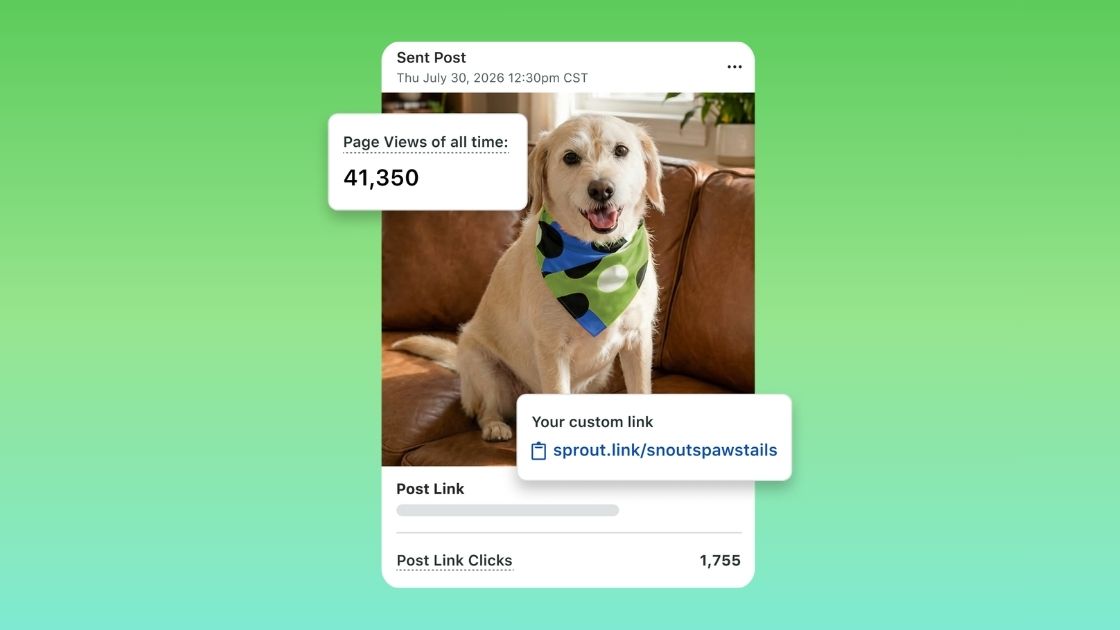
SproutLink: Your link in bio is the one piece of real estate every network hands you, and for most teams it’s still one link. SproutLink now gives you up to 50 custom buttons, each with its own text and destination, clickable icons for Facebook, Instagram, LinkedIn, TikTok, and YouTube, a linkable header image, an editable display name, and an Instagram grid you can toggle off.
Watch the replay
That’s a wrap on this quarter’s updates. To see it all in action—and get the prompts and practical walkthroughs from the team building them—watch the full 30-minute Breaking Ground Q3 replay.
39 free social media strategy templates that will elevate your workflows
Published on August 20, 2026 Reading time 15 minutes







Share