39 free social media strategy templates that will elevate your workflows
Published on August 20, 2026
Reading time 15 minutes
Manager (formerly Facebook Ads Manager) is Meta’s free ad management tool to create, edit and analyze paid campaigns across Facebook, Instagram, Messenger and Audience Network. It gives you complete control over your social media ad strategy across every platform Meta owns, including Instagram ads.
Facebook Ads Manager and Meta Ads Manager are the exact same tool. Meta rebranded the platform following its company name change, though older guides and search queries still use the Facebook name.
While boosting a post offers a quick fix, Ads Manager gives you complete control over objectives, targeting, placements and budgets.
Yes, Meta Ads Manager is free to access. You only pay for ad spend based on your bidding model—such as cost per click (CPC) or cost per mille (CPM)—and you will need a valid payment method on file.
You can open Ads Manager three ways:
To launch campaigns, you need a Facebook Page (or page admin role) and a valid payment method. Note that your chosen country, currency and time zone determine your billing and reporting—changing currency or time zone later requires creating a new ad account.
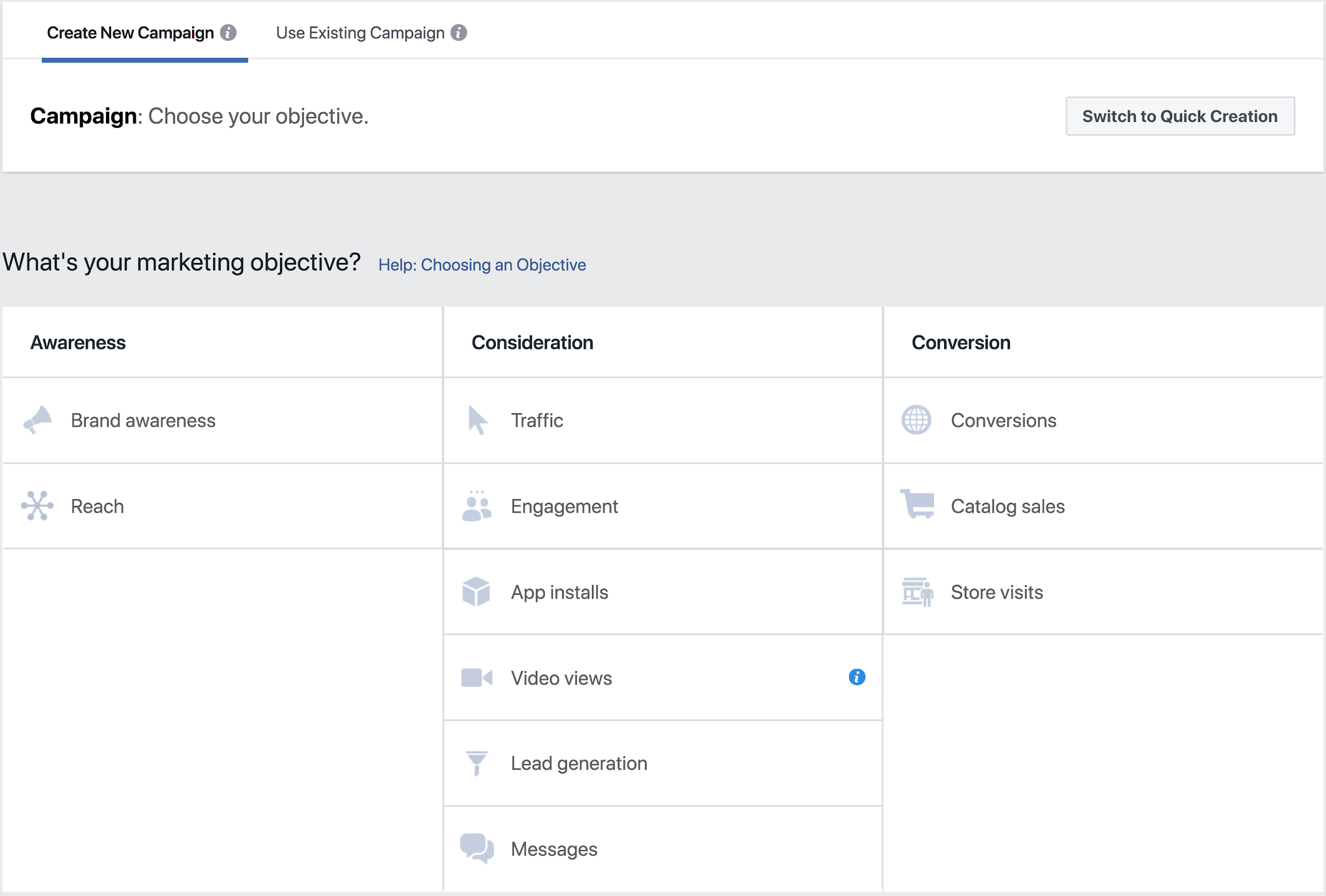
Ads Manager organizes your workflow into three distinct levels: campaigns, ad sets and ads. Each campaign contains one or more ad sets, and each ad set holds one or more individual ads.
The benefits of Facebook Ads Manager include:
Managing paid campaigns is only half the battle. Start a free trial with Sprout Social to connect your Meta ad accounts to our Paid Performance Report—and analyze your paid results alongside organic performance in one unified view.
39 free social media strategy templates that will elevate your workflows


Construye y genera relaciones más fuertes en las redes sociales